Edge Launcher1.6
Publisher Description
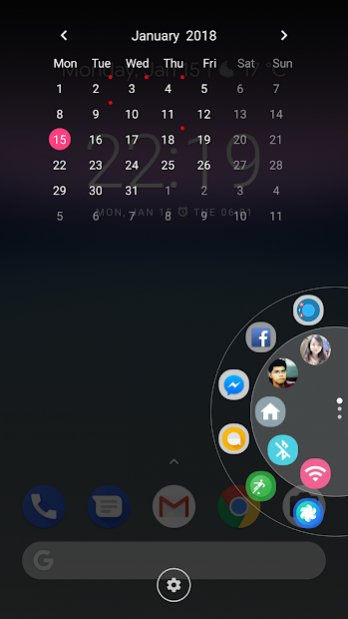
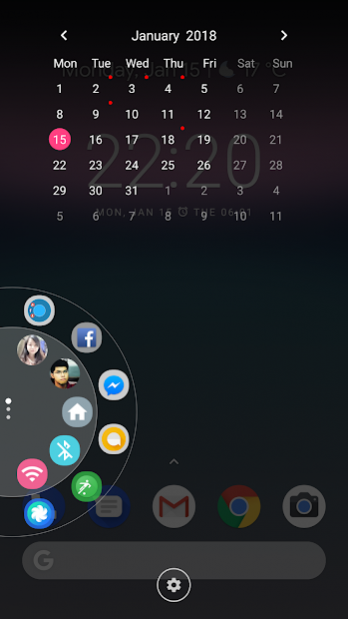
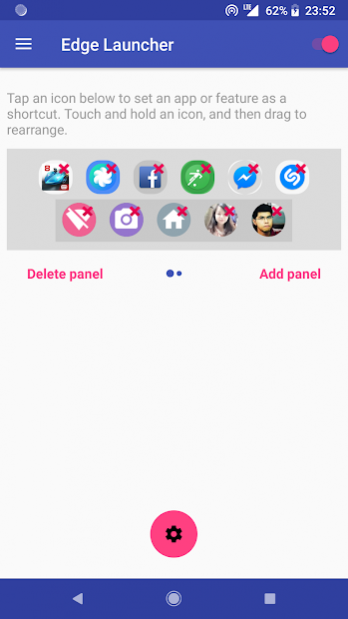
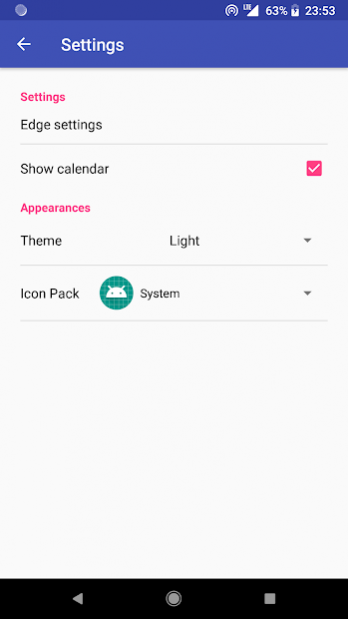
Edge Launcher gives you fast access to your favorite apps, contacts, and settings with just one hand.
Features:
★ Give you quick access to favorite apps, tools, websites, and contacts.
★ Add up to 6 panel
★ Swipe up/down to switch panels
★ Customizable theme, icon pack
For Marshmallow and newer, To prevent the app stopped by itself:
System Settings > Battery > Battery Optimization > Add apps > Edge Launcher > Checked Don't optimize
“This app uses the Device Administrator permission.”
We need to enable this permission to turn off screen
Like & share us on:
G+: https://plus.google.com/communities/100796953080923703273
FB: https://facebook.com/thteamsoft
Support us: Please help us make Edge Launcher available in your language and
get Premium version
of this app. Contact us by post to G+ or email to thteamsoft@gmail.com
Contribute your translation at https://www.localize.im/v/32w
About Edge Launcher
The company that develops Edge Launcher is THSoftware. The latest version released by its developer is 1.6.
To install Edge Launcher on your Android device, just click the green Continue To App button above to start the installation process. The app is listed on our website since 2018-06-09 and was downloaded 14 times. We have already checked if the download link is safe, however for your own protection we recommend that you scan the downloaded app with your antivirus. Your antivirus may detect the Edge Launcher as malware as malware if the download link to com.thsoft.shortcut.htc is broken.
How to install Edge Launcher on your Android device:
- Click on the Continue To App button on our website. This will redirect you to Google Play.
- Once the Edge Launcher is shown in the Google Play listing of your Android device, you can start its download and installation. Tap on the Install button located below the search bar and to the right of the app icon.
- A pop-up window with the permissions required by Edge Launcher will be shown. Click on Accept to continue the process.
- Edge Launcher will be downloaded onto your device, displaying a progress. Once the download completes, the installation will start and you'll get a notification after the installation is finished.
Program Details
System requirements
Download information
Pricing
Version History
version 1.6
posted on 2018-06-09
- Fix security problem from Google suggestion
version 1.5
posted on 2018-03-13
- Option to show wheel by volume key
- Make a call/send an SMS or open contact details in contact icon
- Display multi upcoming events
